See the stock behind every order.
Follow quantities, reservations, expiry and movements across your warehouses. Surface exceptions before the next stock operation.
From the first GRN to the final proof of delivery, give your team one connected workflow—and each customer the visibility they need.
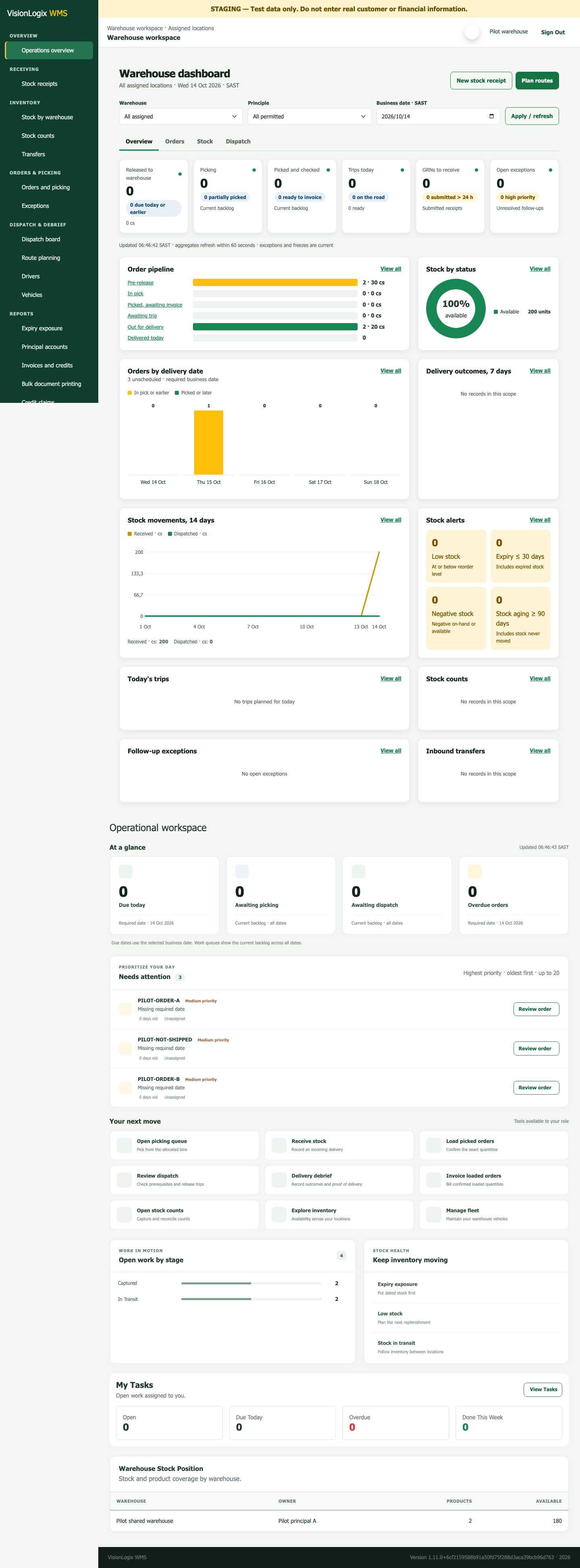
Built for the teams receiving, counting, fulfilling and delivering customer stock.
Follow quantities, reservations, expiry and movements across your warehouses. Surface exceptions before the next stock operation.
Connect captured orders to allocated stock, picked quantities, confirmed loads and warehouse invoices.
Record full, short and failed deliveries, retain PODs and give each Principle access to its own delivery information.

Practical controls from receiving and stock counts to fulfilment, billing and delivery debrief.
Receive assigned products into the right warehouse and retain a traceable goods-received record.
Review warehouse stock, batches, expiry and stock status. Freeze stock for counts, review variances and approve adjustments.
Request and approve transfers, confirm shipping and receiving, and record shortages or damaged stock.
Capture manual orders, validate pricing, allocate stock, pick quantities and confirm what is loaded.
Authorised warehouse teams invoice confirmed loads and manage invoice-linked credits. Principles view their own financial documents.
Plan routes, assign vehicles and drivers, dispatch invoiced loads and record delivery outcomes with proof of delivery.
See operational queues, stock alerts and role-specific Warehouse, Principle and platform overviews, with links to source reports.
Give each team its permitted workspace, assign tasks, track support requests and retain operational audit trails.
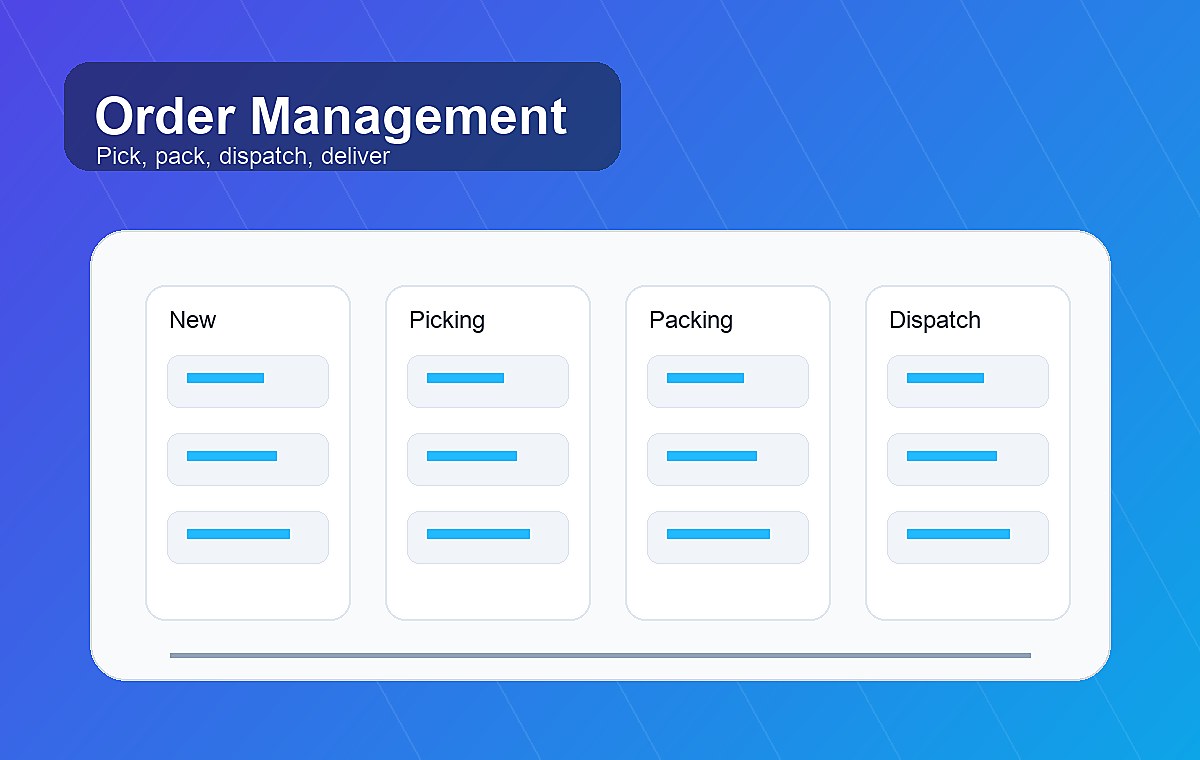
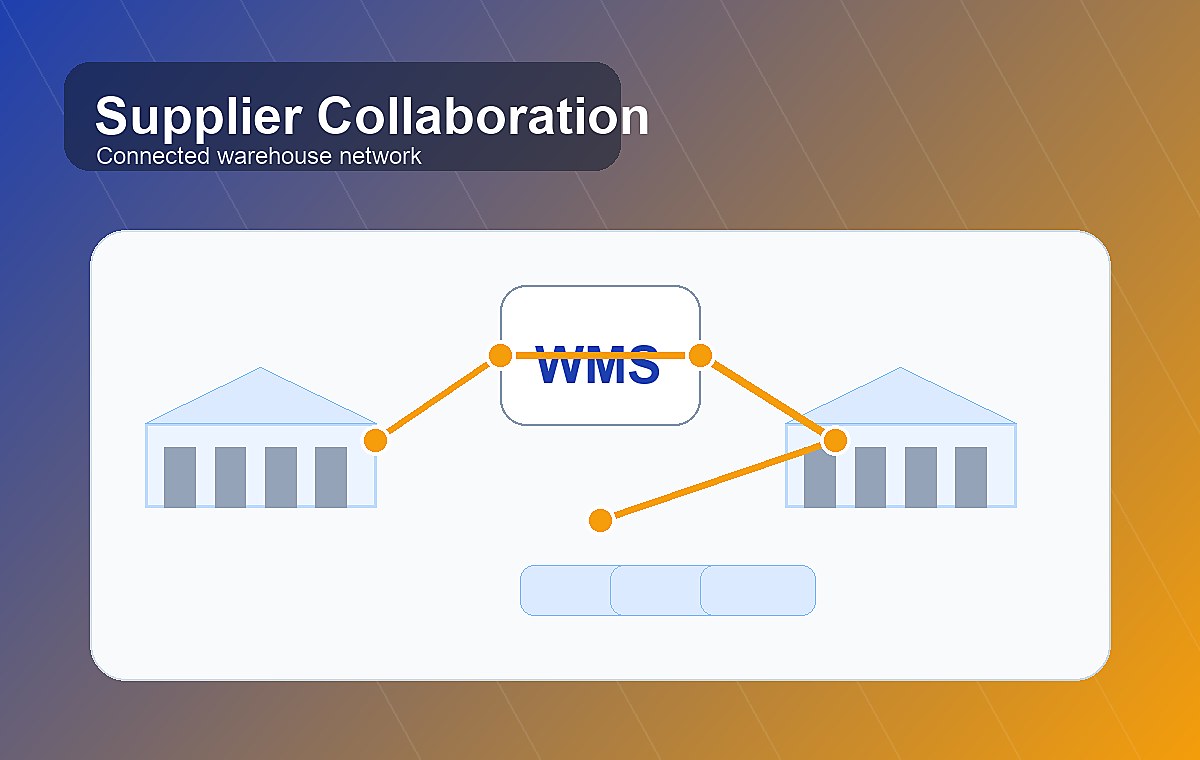
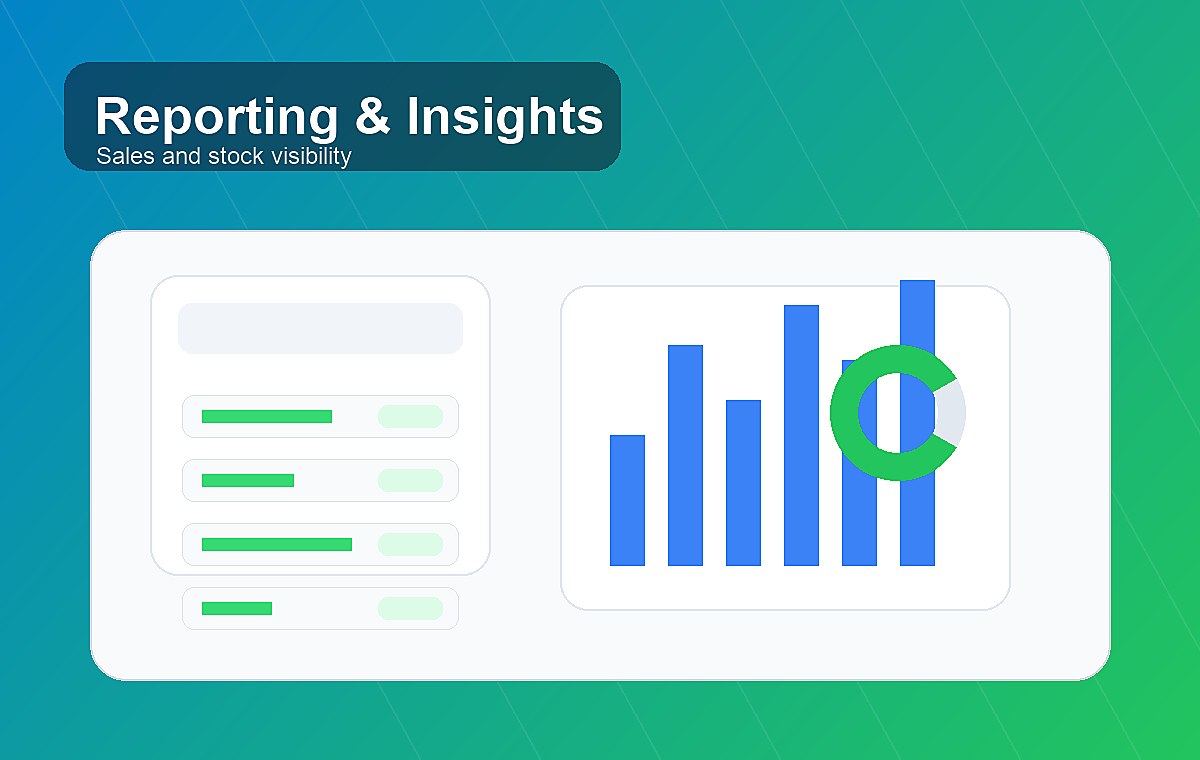
Workflow illustrations from the original VisionLogix site. Actual product screens appear in the dashboard previews.
Explore the product featuresWarehouse teams, Principles and platform administrators each get an overview suited to their work and permitted data.
Prioritise fulfilment, follow stock health and keep receiving and dispatch work visible.
View full-size preview of Warehouse overview (opens a new tab)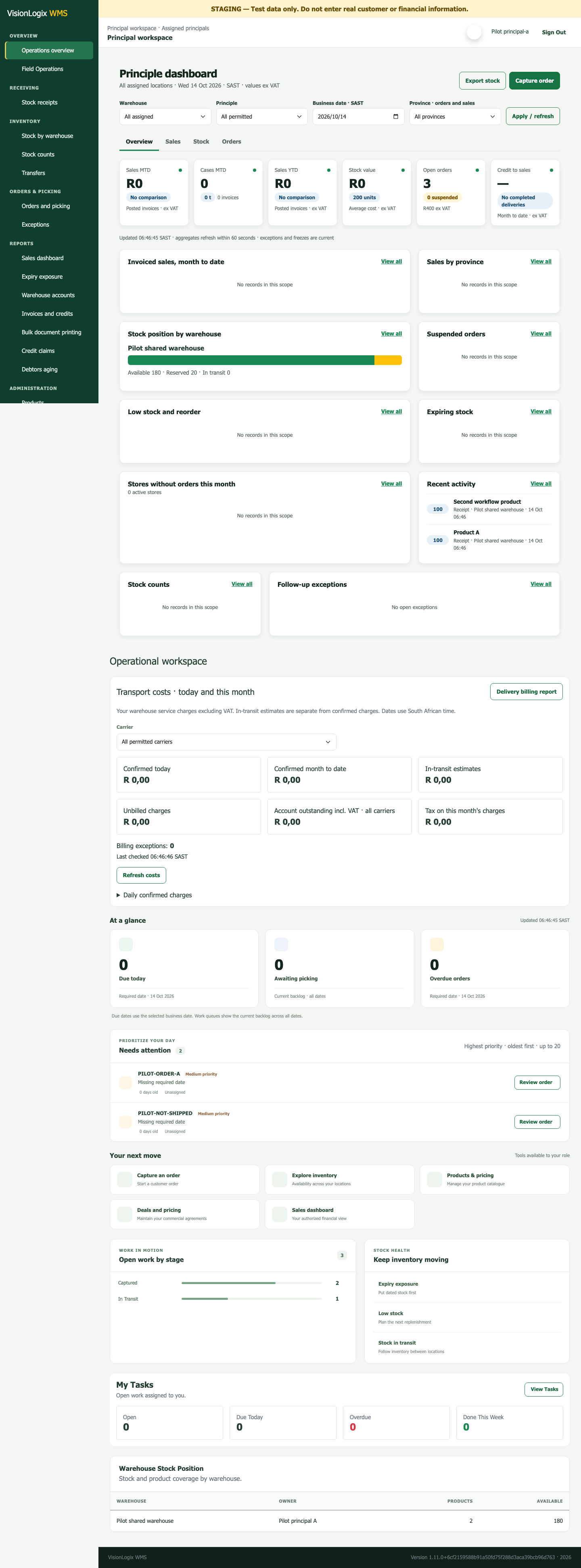
See your own stock, sales, orders and exceptions across permitted warehouses.
View full-size preview of Principle overview (opens a new tab)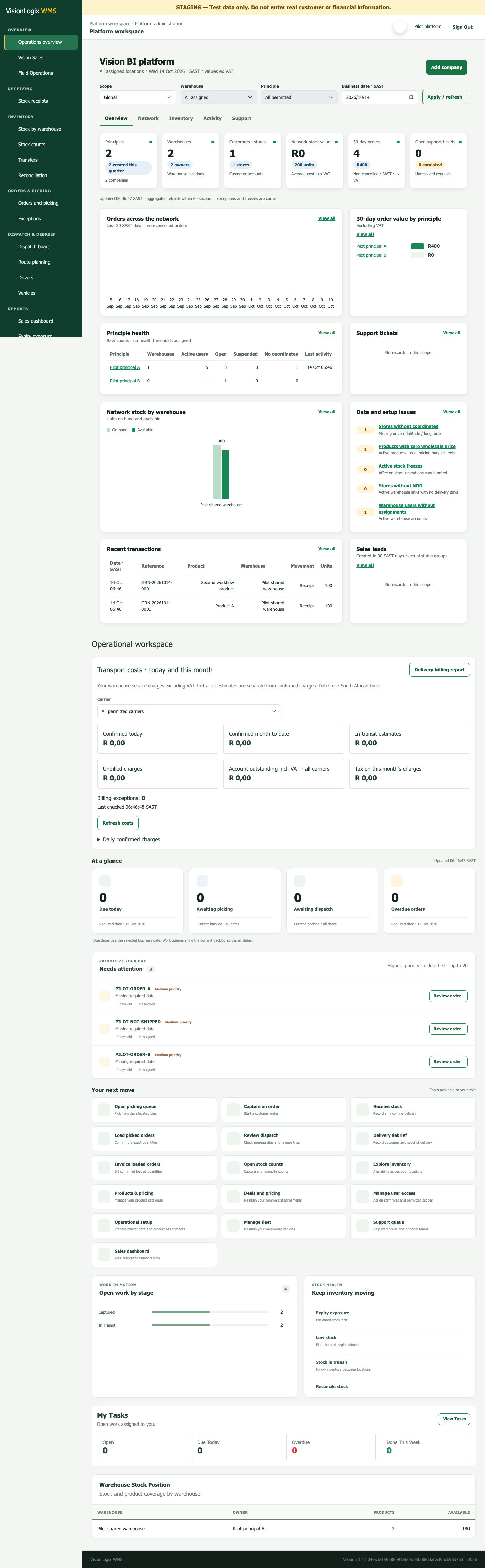
Give authorised platform administrators a network view for setup and operational oversight.
View full-size preview of Platform overview (opens a new tab)Actual product screens with synthetic sample data. Your workspace and available actions depend on your assigned role and access.
Operate stock and fulfilment on behalf of multiple Principles. Give each brand owner visibility into its own stock, orders, financial documents and delivery evidence.
Receive, count, transfer, pick, load, invoice and dispatch within assigned warehouses.
Maintain permitted products and pricing, capture orders and follow your own stock and deliveries.
Assign individual access, oversee work queues and retain operational audit trails.
Agree the scope, prepare your data and verify your operation before activation.
Discuss your warehouses, customers, users, current systems and the workflows you need to control.
Walk through the receiving, stock, fulfilment and delivery processes relevant to your business.
Confirm the operational scope, commercial terms, implementation work and any integration requirements.
Configure your Principle, warehouses, stores, products, pricing and individual team permissions.
Check opening balances and complete operational and financial acceptance with your team.
Start with the accepted configuration and the agreed training and support arrangements.

Your quote is based on your warehouses, users and operational workflows, with implementation and integration requirements agreed upfront.
Training, support coverage and any ongoing operational services are agreed during onboarding.
Tell us about your warehouses, customers and fulfilment needs. We’ll arrange a practical walkthrough and discuss a scoped quote.